
Choose five VST plug-ins and put them in order to shape the community ranking.
Explore plug-in production tools in our 50 Free VST Plugins for Techno guide →. These 50 free and paid tools are an unranked shortlist; verified votes alone determine the community leaderboard.
Prefer music rather than software? Vote for favourite techno tracks →
EXPLORE / SELECT
THE 50 PLUGINS
Tap up to five cards to build your ballot.
 01
01
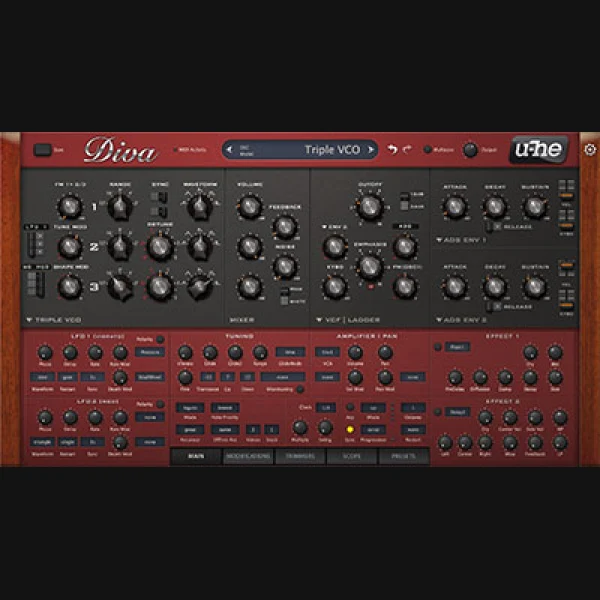
u-he Diva
u-he · Paid · Virtual analogue synthesizer
Analogue-modelled bass, stabs and pads
TYPE: Virtual analogue synthesizer
 02
02
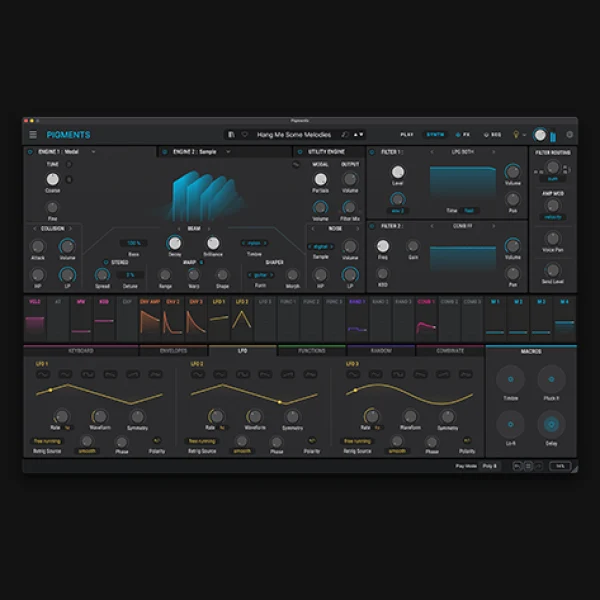
Arturia Pigments
Arturia · Paid · Multi-engine synthesizer
Evolving textures, granular layers and modulation
TYPE: Multi-engine synthesizer
 03
03
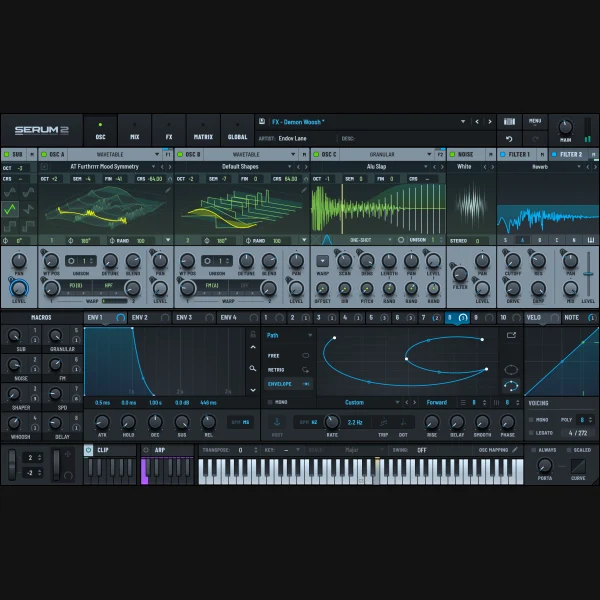
Serum 2
Xfer Records · Paid · Wavetable synthesizer
Modern bass, FM and wavetable movement
TYPE: Wavetable synthesizer
 04
04
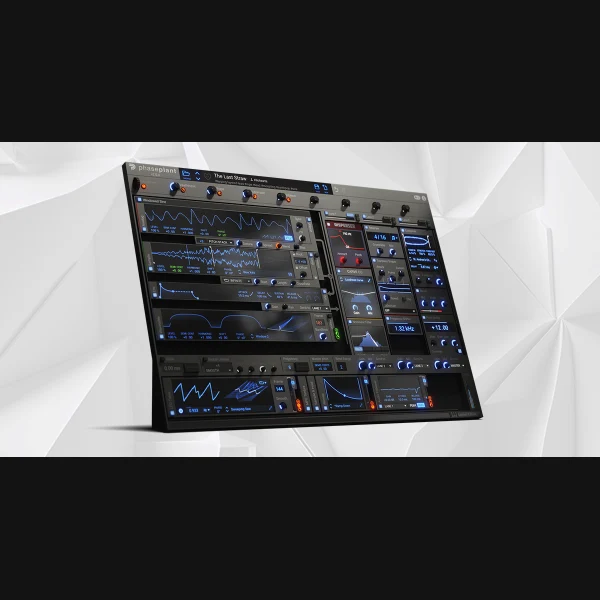
Phase Plant
Kilohearts · Paid · Modular multi-engine synthesizer
Flexible modulation and complex bass design
TYPE: Modular multi-engine synthesizer
 05
05
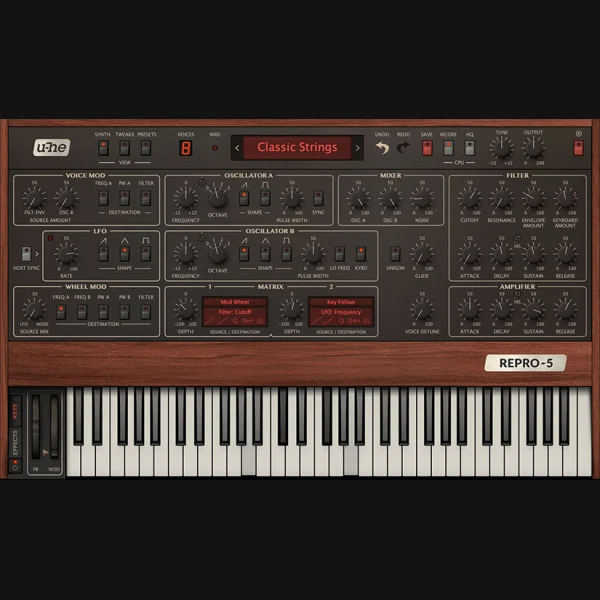
u-he Repro
u-he · Paid · Analogue-modelled synthesizer
Vintage chords, sequenced lines and warm bass
TYPE: Analogue-modelled synthesizer
 06
06
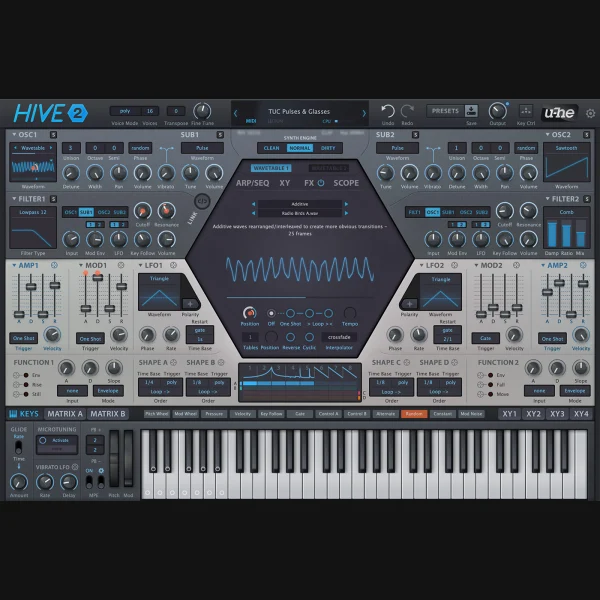
u-he Hive 2
u-he · Paid · Wavetable and subtractive synth
Fast techno sequences, plucks and bass lines
TYPE: Wavetable and subtractive synth
 07
07
Vital Basic
Vital Audio · Free tier · Wavetable synthesizer
Free-tier bass and modulation experimentation
TYPE: Wavetable synthesizer
 08
08
Surge XT
Surge Synth Team · Free · Open-source hybrid synthesizer
Complex evolving sequences and spectral design
TYPE: Open-source hybrid synthesizer
 09
09
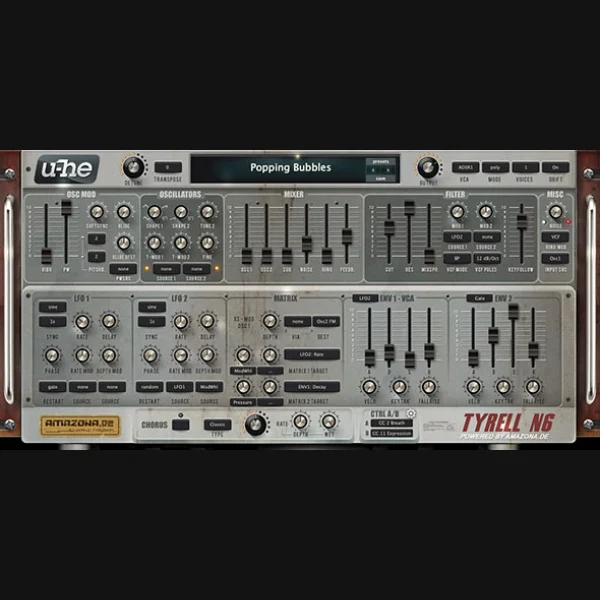
u-he TyrellN6
u-he · Free beta · Virtual analogue synthesizer
Free vintage-style techno pads and stabs
TYPE: Virtual analogue synthesizer
 10
10
Phoscyon 2
D16 Group · Paid · Acid line synthesizer
303-inspired sequences and resonant bass
TYPE: Acid line synthesizer
 11
11
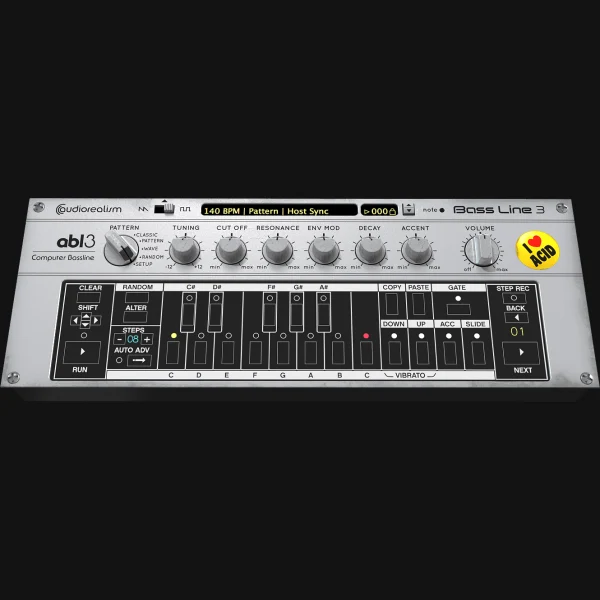
ABL3
AudioRealism · Paid · Acid bassline instrument
Acid patterns with classic 303 character
TYPE: Acid bassline instrument
 12
12
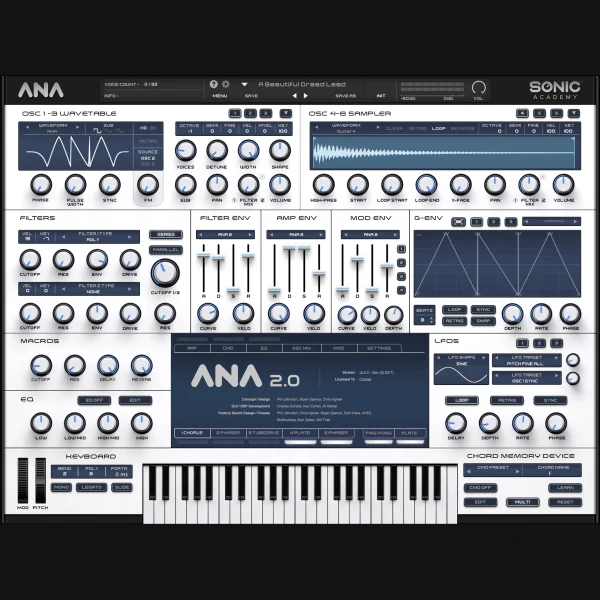
ANA 2
Sonic Academy · Paid · Multi-oscillator synthesizer
Leads, bass and layered techno sequences
TYPE: Multi-oscillator synthesizer
 13
13
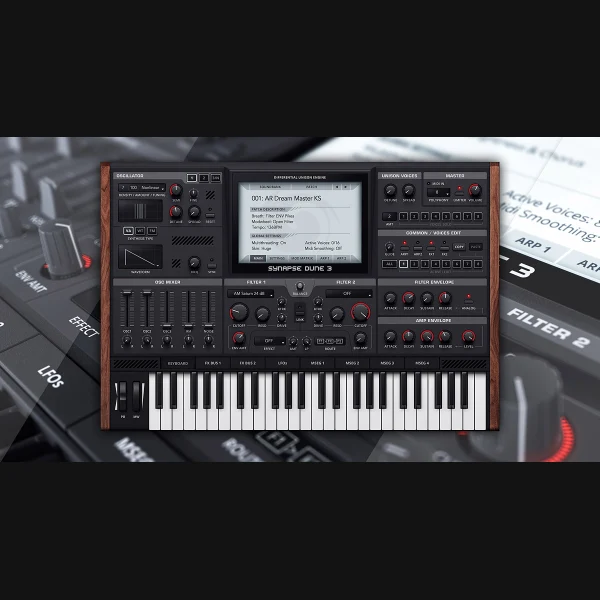
DUNE 3
Synapse Audio · Paid · Multi-engine synthesizer
Massive pads, movement and deep bass
TYPE: Multi-engine synthesizer
 14
14
Massive XL
Native Instruments · Paid · Modern wavetable synthesizer
Modulated techno bass and industrial textures
TYPE: Modern wavetable synthesizer
 15
15
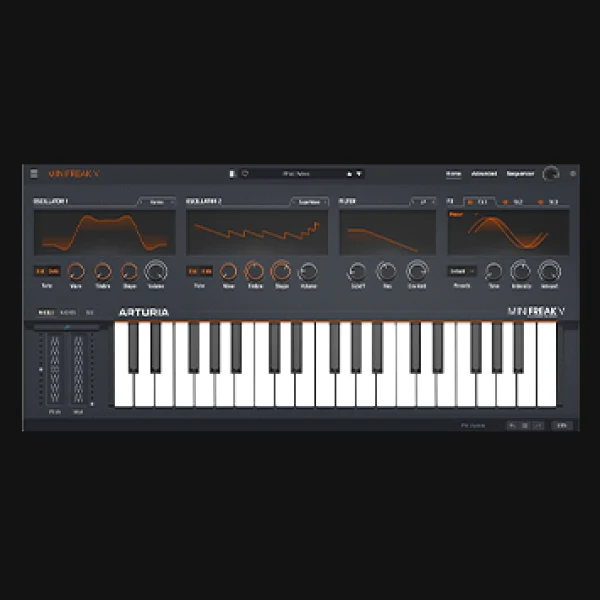
MiniFreak V
Arturia · Paid · Hybrid synthesizer
Experimental percussion and animated arpeggios
TYPE: Hybrid synthesizer
 16
16
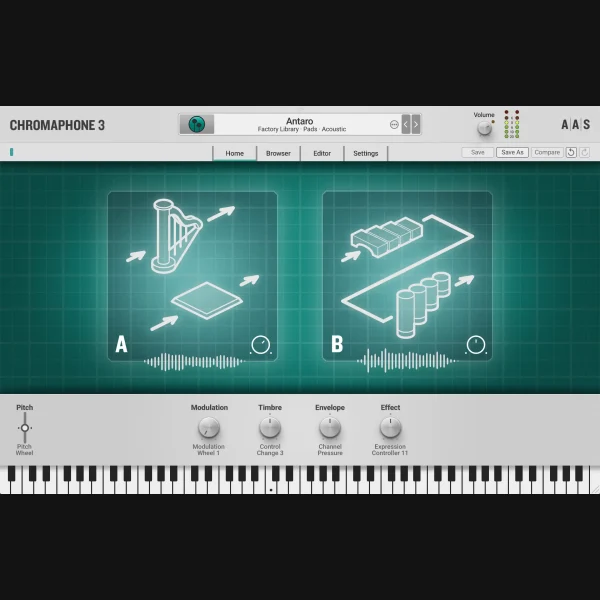
Chromaphone 3
Applied Acoustics Systems · Paid · Physical-modeling synthesizer
Resonant synthetic hits and unusual percussion
TYPE: Physical-modeling synthesizer
 17
17
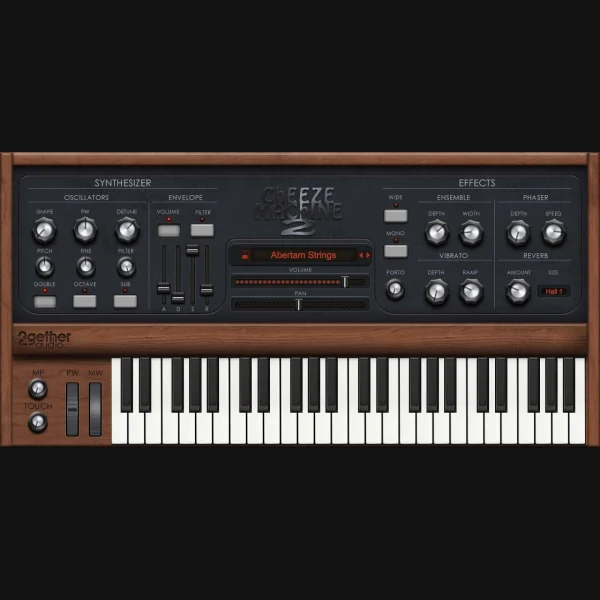
Cheeze Machine 2
2getheraudio · Free · String-machine synthesizer
Retro ensemble pads and dub techno chords
TYPE: String-machine synthesizer
 18
18
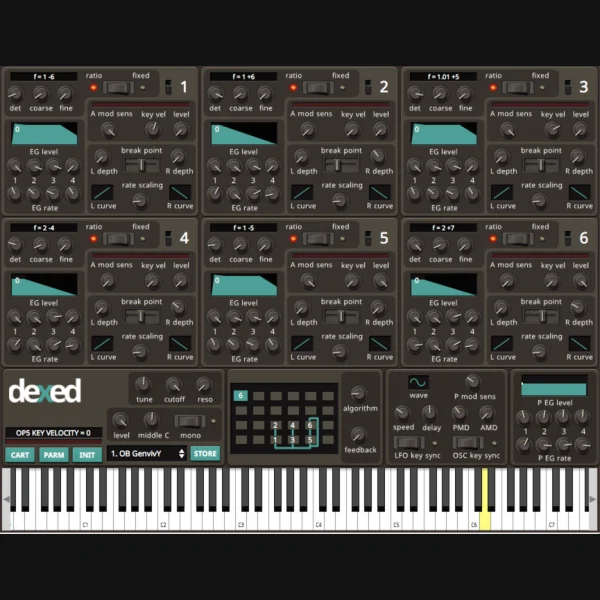
Dexed
Dexed Open Source · Free · FM synthesizer
Metallic FM hits, bells and experimental stabs
TYPE: FM synthesizer
 19
19
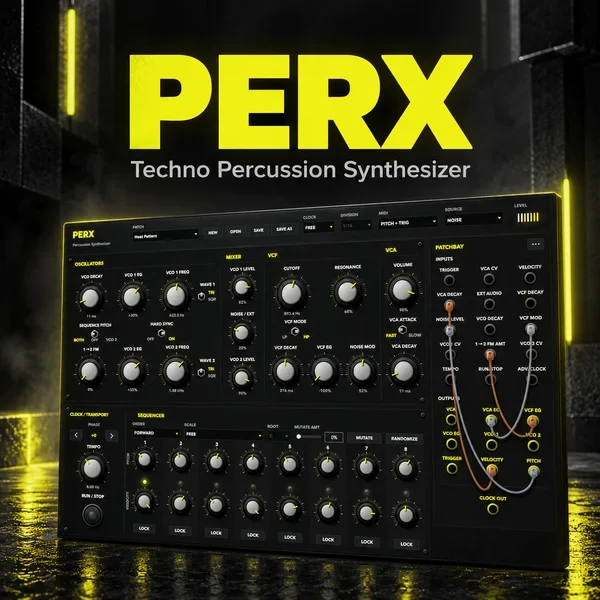
PERX (Early Access)
Underground Talent · Early access paid · Semi-modular percussion synthesizer
UT-produced drum and percussive sound design; disclosed house product
TYPE: Semi-modular percussion synthesizer
 20
20
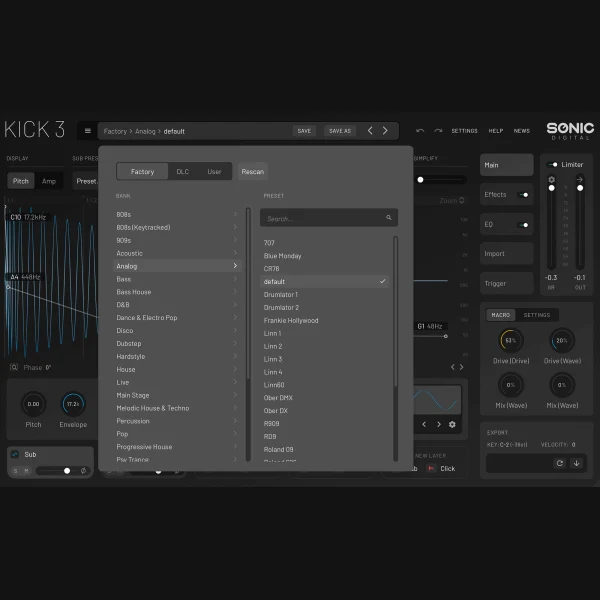
KICK 3
Sonic Academy · Paid · Kick drum synthesizer
Synthesised kick design and kick sample matching
TYPE: Kick drum synthesizer
 21
21
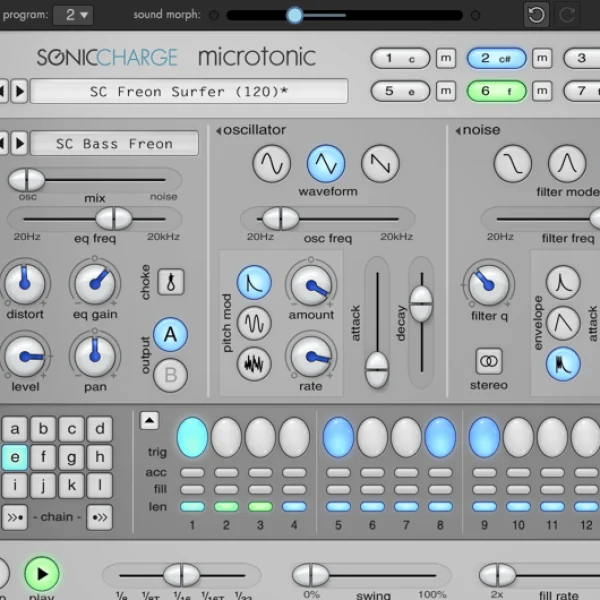
Microtonic
Sonic Charge · Paid · Percussion synthesizer
Classic synthetic beats and evolving drum patterns
TYPE: Percussion synthesizer
 22
22
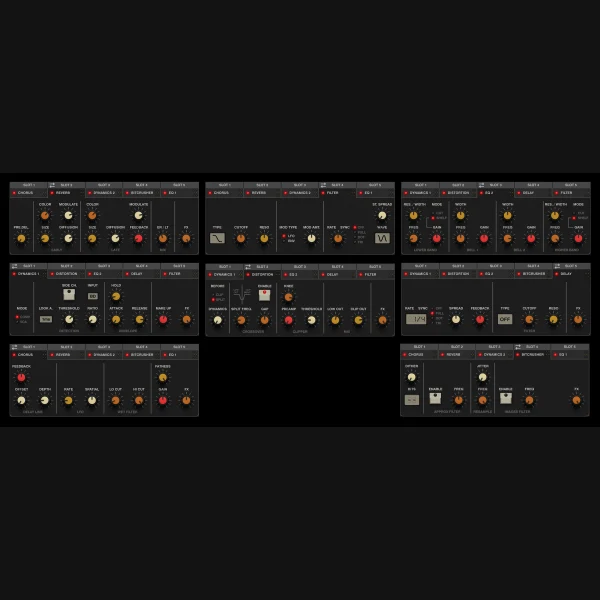
Drumazon 2
D16 Group · Paid · 909-style drum machine
909 drums and sequenced techno percussion
TYPE: 909-style drum machine
 23
23
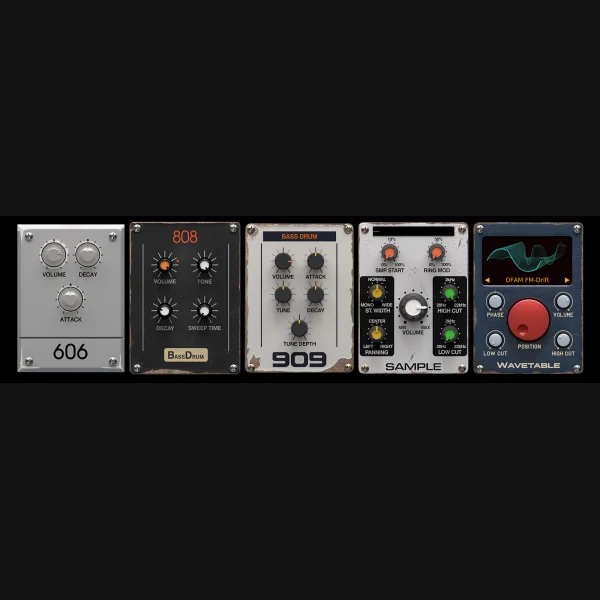
Nepheton 2
D16 Group · Paid · 808-style drum machine
808 rhythms, kicks, hats and tuned percussion
TYPE: 808-style drum machine
 24
24
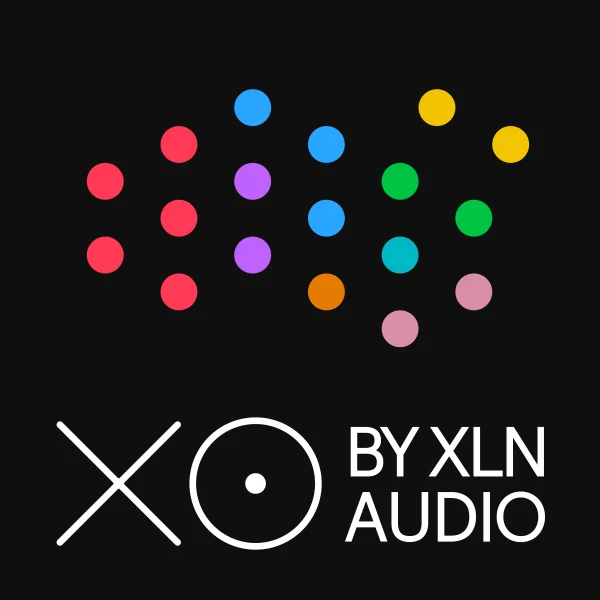
PunchBox 2
D16 Group · Paid · Layered kick synthesizer
Modern layered kick design and distortion
TYPE: Layered kick synthesizer
 25
25
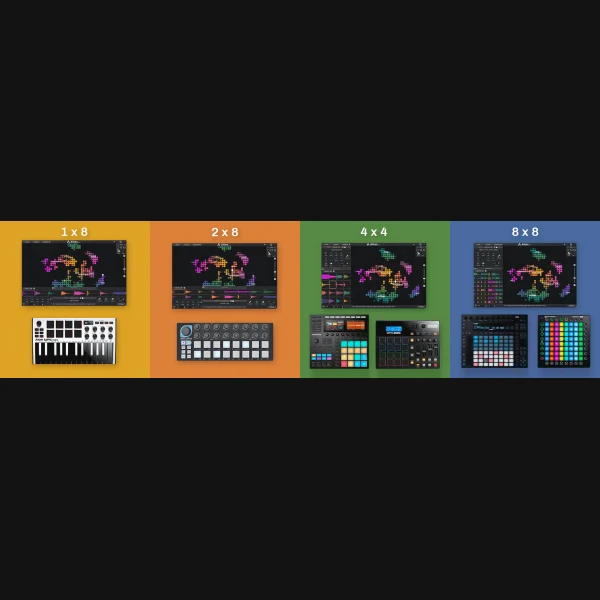
XO
XLN Audio · Paid · Drum sample browser and sequencer
Build kits quickly from scattered sample libraries
TYPE: Drum sample browser and sequencer
 26
26
Atlas 2
Algonaut · Paid · Drum sample map and sequencer
Explore percussion libraries and program patterns
TYPE: Drum sample map and sequencer
 27
27
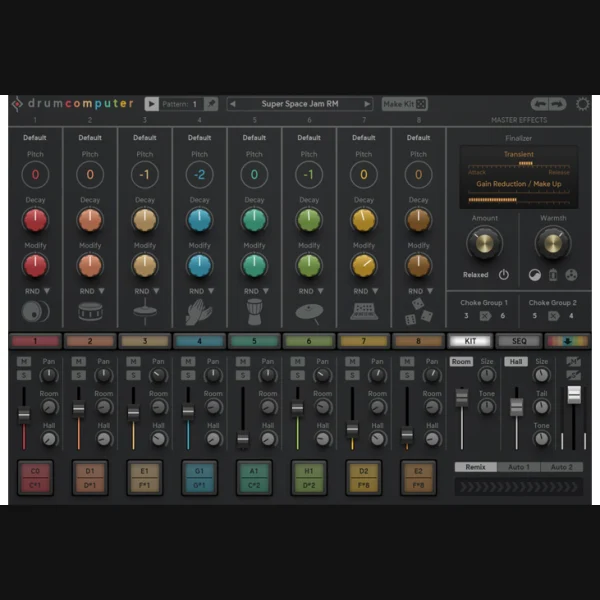
DrumComputer
Sugar Bytes · Paid · Algorithmic drum synthesizer
Synthetic percussion with modulation and sequencing
TYPE: Algorithmic drum synthesizer
 28
28
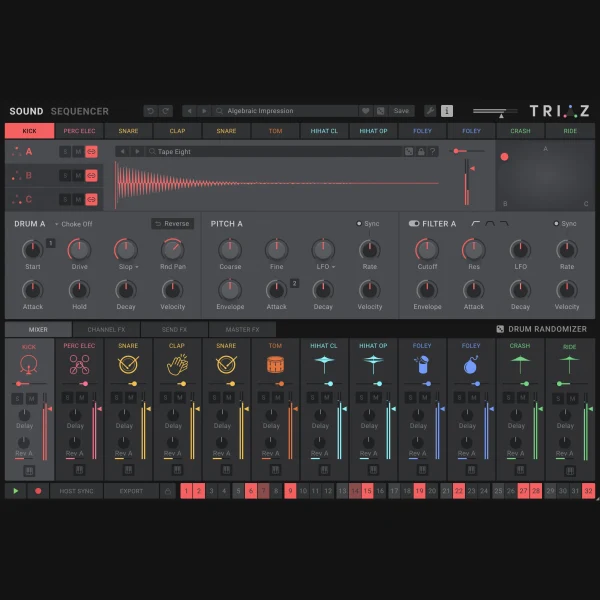
Triaz
Wave Alchemy · Paid · Drum sampler and sequencer
Layered techno drums and pattern generation
TYPE: Drum sampler and sequencer
 29
29
Battery 4
Native Instruments · Paid · Drum sampler
Precise one-shot kits and detailed sample editing
TYPE: Drum sampler
 30
30
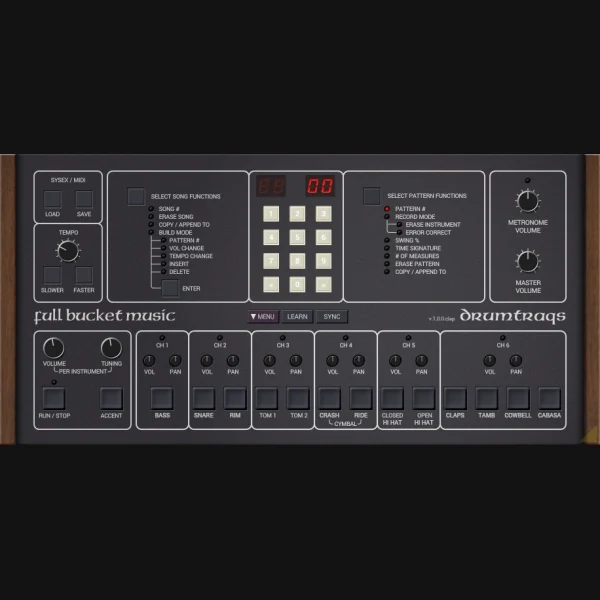
Full Bucket DrumTraqs
Full Bucket Music · Free · Vintage drum machine emulation
Retro drum programming and raw machine rhythms
TYPE: Vintage drum machine emulation
 31
31
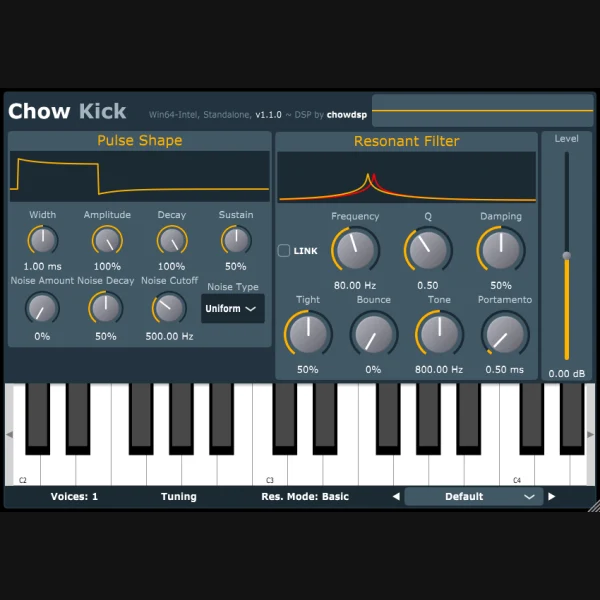
ChowKick
Chowdhury DSP · Free · Physical kick synthesizer
Shape punch and pitch decay of kick drums
TYPE: Physical kick synthesizer
 32
32
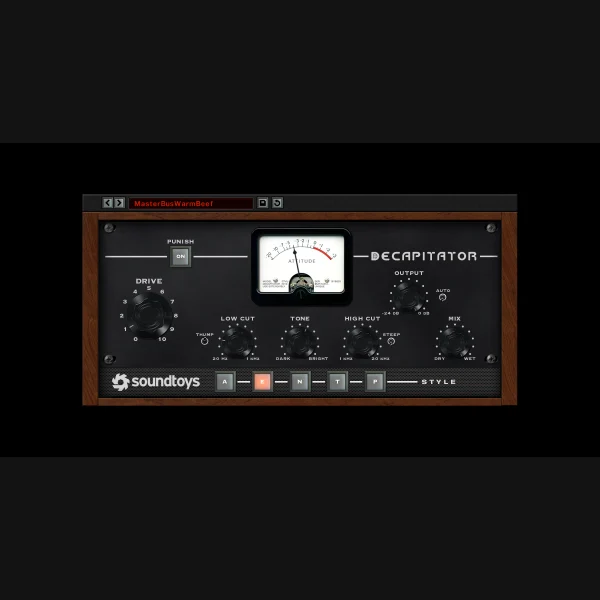
Decapitator
Soundtoys · Paid · Analogue-style distortion
Drum coloration and parallel aggressive saturation
TYPE: Analogue-style distortion
 33
33
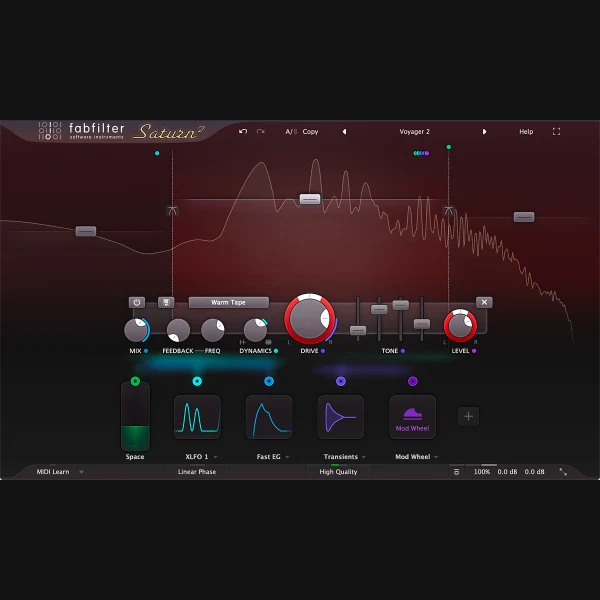
Saturn 2
FabFilter · Paid · Multiband saturation
Characterful distortion of bass and drum buses
TYPE: Multiband saturation
 34
34
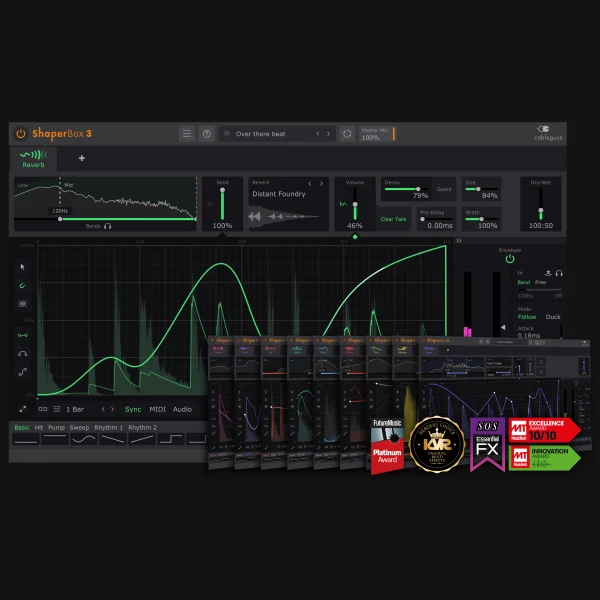
ShaperBox 3
Cableguys · Paid · Multieffect modulation
Rhythmic gating, time modulation and sound design
TYPE: Multieffect modulation
 35
35
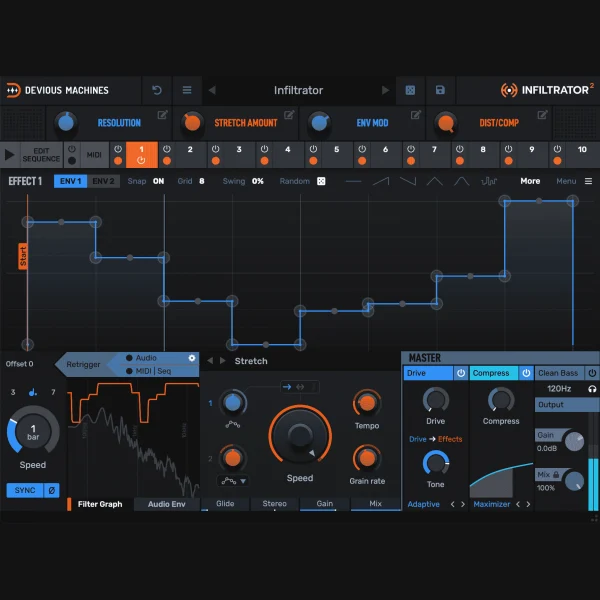
Infiltrator 2
Devious Machines · Paid · Sequenced multieffect
Complex rhythmic glitches and transitions
TYPE: Sequenced multieffect
 36
36
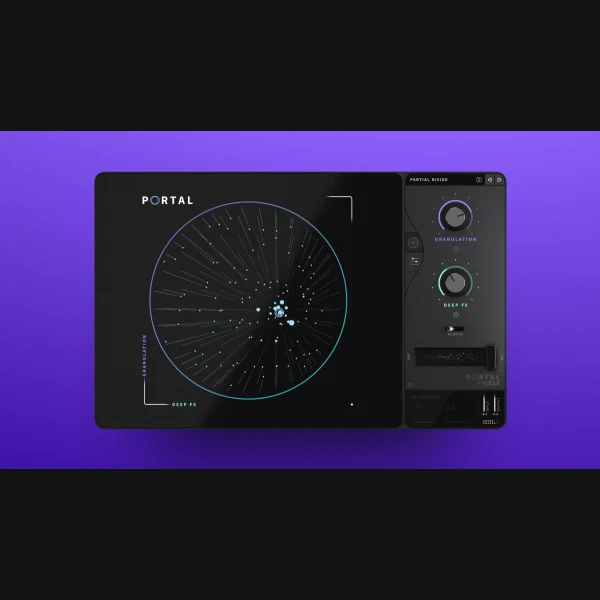
Portal
Output · Paid · Granular effect
Warped transitions and spectral textures
TYPE: Granular effect
 37
37
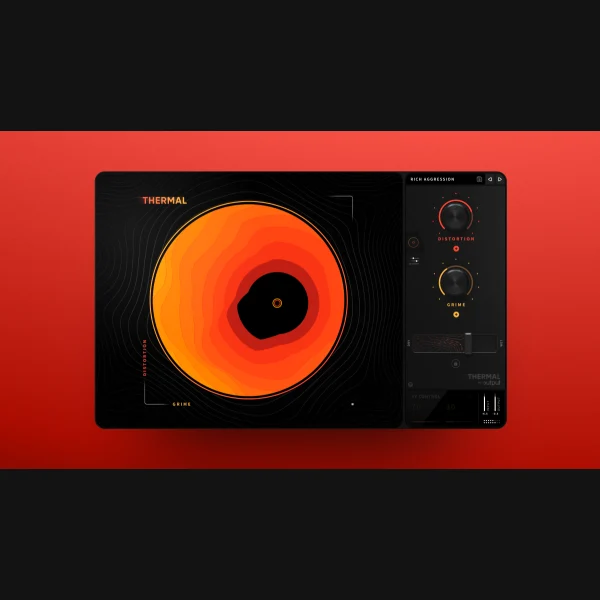
Thermal
Output · Paid · Multiband distortion effect
Unusual industrial and percussive textures
TYPE: Multiband distortion effect
 38
38
Valhalla VintageVerb
Valhalla DSP · Paid · Algorithmic reverb
Retro spaces, pads and dub atmosphere
TYPE: Algorithmic reverb
 39
39
Valhalla Supermassive
Valhalla DSP · Free · Creative reverb and delay
Large evolving ambience and atmospheric echoes
TYPE: Creative reverb and delay
 40
40
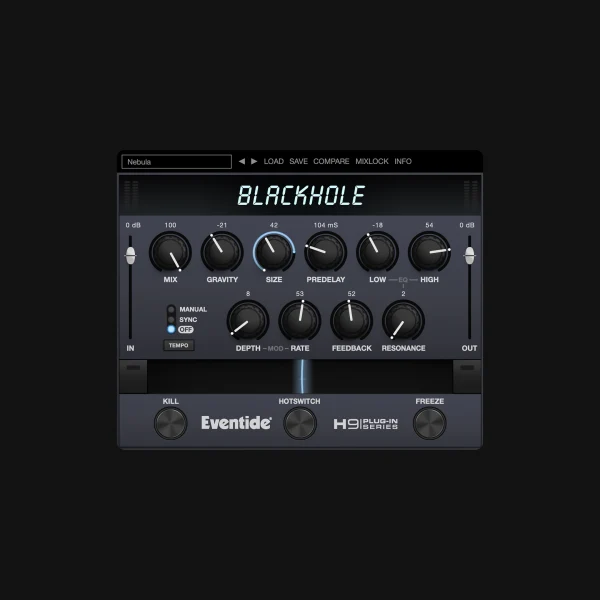
Blackhole
Eventide · Paid · Creative reverb
Huge evolving tails for breakdowns and transitions
TYPE: Creative reverb
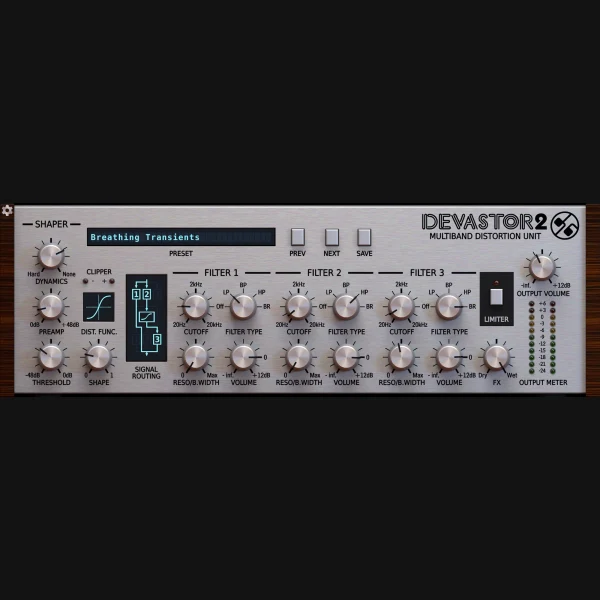 41
41
Devastor 2
D16 Group · Paid · Distortion and filtering
Industrial drums and abrasive sound shaping
TYPE: Distortion and filtering
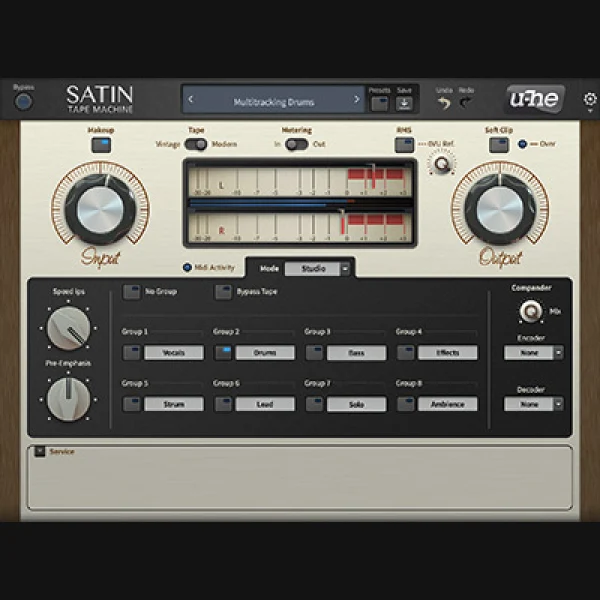 42
42
u-he Satin
u-he · Paid · Tape machine effect
Tape-style saturation, delay and modulation
TYPE: Tape machine effect
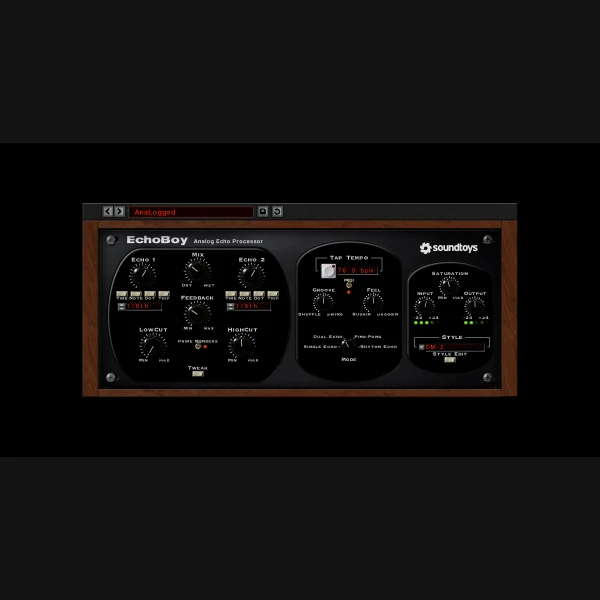 43
43
EchoBoy
Soundtoys · Paid · Delay effect
Dub-techno echoes and rhythmic feedback
TYPE: Delay effect
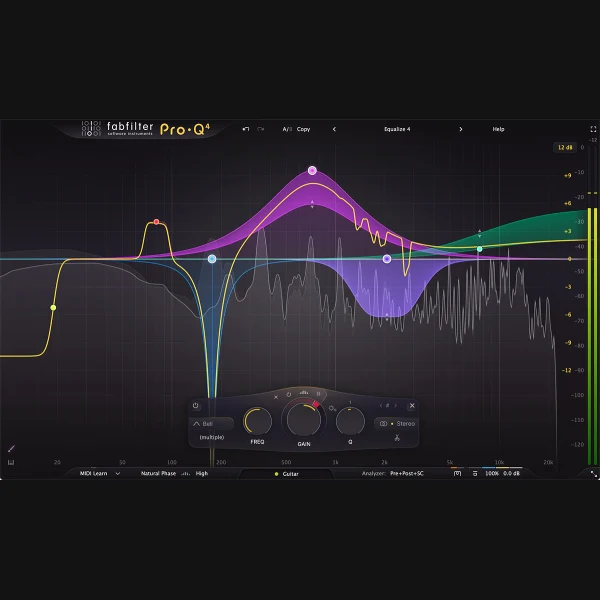 44
44
Pro-Q 4
FabFilter · Paid · Dynamic equalizer
Detailed tonal and resonance management
TYPE: Dynamic equalizer
 45
45
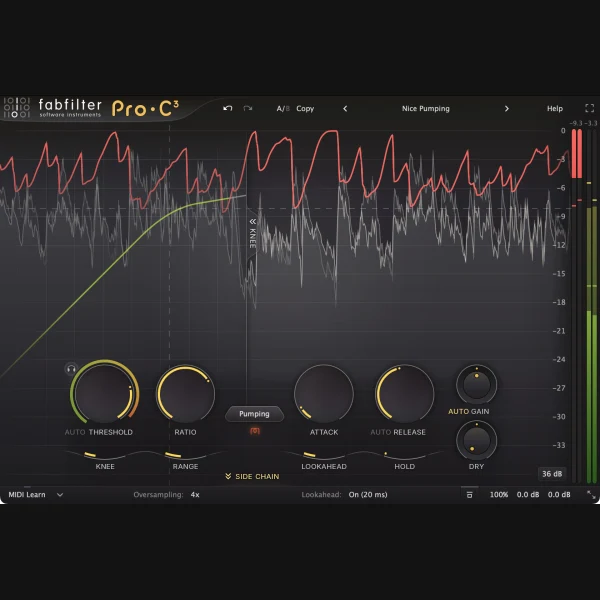
Pro-C 3
FabFilter · Paid · Compressor
Transparent control and rhythmic dynamics
TYPE: Compressor
 46
46
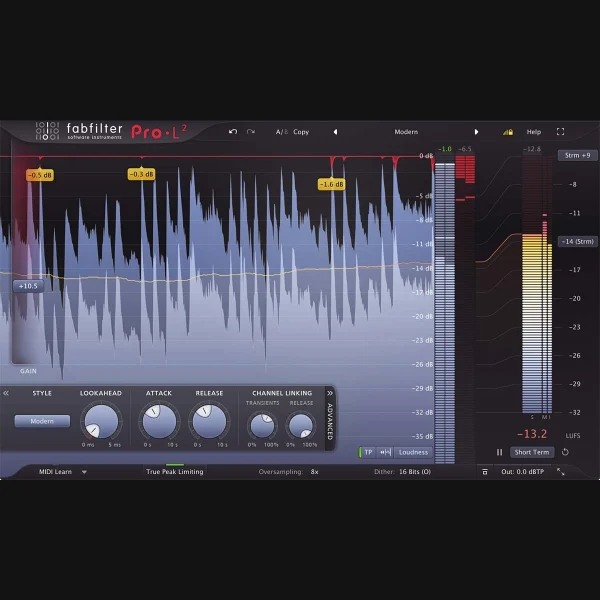
Pro-L 2
FabFilter · Paid · Limiter
Peak and true-peak management for final delivery
TYPE: Limiter
 47
47
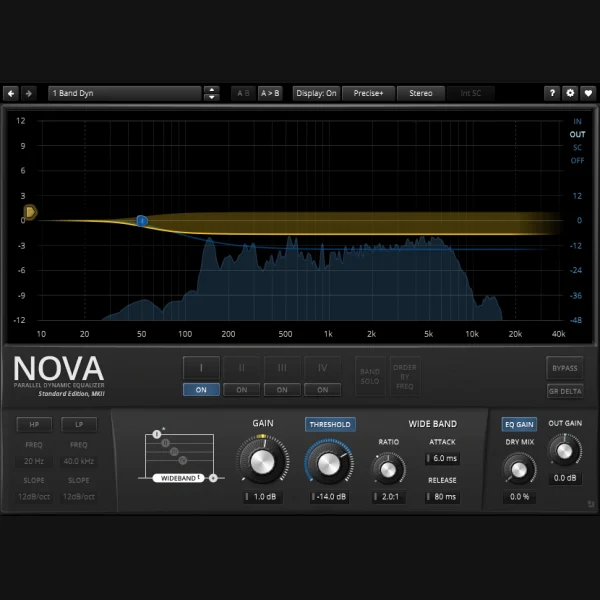
TDR Nova Free
Tokyo Dawn Records · Free · Dynamic EQ
Control resonances in drums and bass
TYPE: Dynamic EQ
 48
48
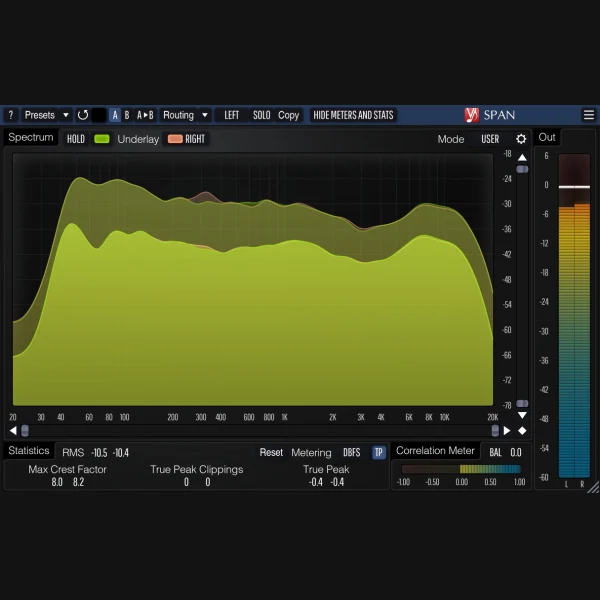
Voxengo SPAN
Voxengo · Free · Spectrum analyzer
Analyse kick/bass separation and overall spectrum
TYPE: Spectrum analyzer
 49
49
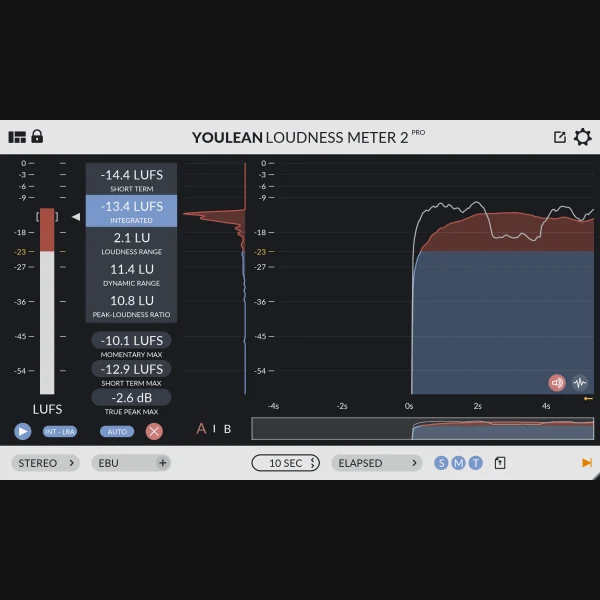
Youlean Loudness Meter 2 Free
Youlean · Free tier · Loudness meter
Measure loudness and true-peak delivery levels
TYPE: Loudness meter
 50
50
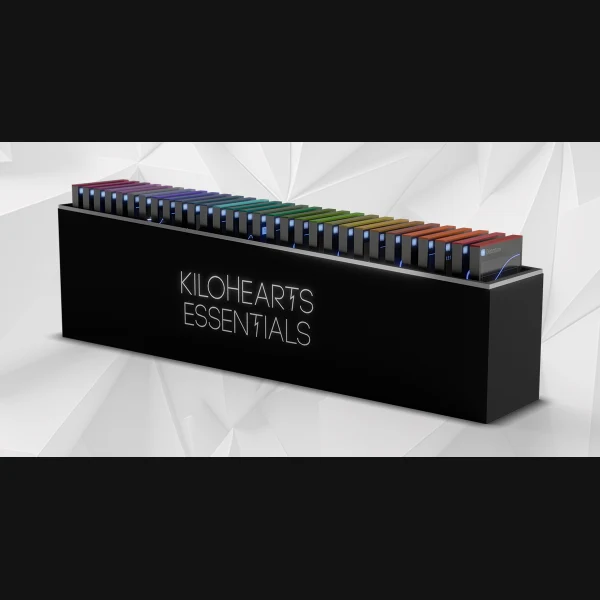
Kilohearts Essentials
Kilohearts · Free · Effect toolkit
Simple filtering, gates, dynamics and utility effects
TYPE: Effect toolkit
No plugins match your search.
Explore the best techno VST plugins through Underground Talent’s community ranking. Our opening collection includes 50 software instruments and effects selected for their usefulness in techno production, from analogue-style bass synthesizers and 909-inspired drum machines to modular sound design, delays, distortion, EQ and metering. It covers free and paid products, each labelled so you can make an informed choice.
These entries are a curated starting catalogue, not an editorial ranking. A plugin’s starting card number is not a quality score. When voting is open, listeners and producers can choose and verify their five favourites, and their votes will determine the leaderboard. This page does not claim that we have installed every plug-in on every operating system or DAW.
How does the best techno VST plugins ranking work?
Explore the plugin cards above, search for a developer or product, and filter by category. The ranking follows the same independent top-five voting system used on Underground Talent’s Artists, Clubs and Tracks pages.
- Browse 50 tools. Read each product’s purpose, developer and advertised free/paid status.
- Select five. Pick the instruments or effects that have been most useful to you; a ballot cannot contain duplicates.
- Set your order. First place receives five points, followed by four, three, two and one point.
- Confirm the vote. When voting is enabled, submit your email and verify the secure link. Only verified ballots contribute to the results; an updated ballot replaces a previous ballot from the same address.
While the voting status shows Preview, the catalogue is for exploring and planning your choices. Email verification is not an automatic newsletter signup. The results reflect participating readers’ preferences, not scientific measurements of plugin sound quality or performance.
Which categories of techno VST plugins are included?
Synths: bass, acid lines and evolving textures
This category includes classic analogue-style instruments, modern wavetable and FM synths, and hybrid sound-design tools. Producers can explore u-he Diva for analogue-style character, Serum 2 or Vital for wavetable modulation, Surge XT for open-source experimentation, and specialist acid instruments such as Phoscyon 2. For a fully free starting point, see our u-he TyrellN6 guide.
Drum instruments: kicks, machines and samples
Techno rhythm may start with a synthesized kick, a programmed 909-inspired pattern or a sampler holding carefully tuned one-shots. Drum synths and sample tools support different workflows: KICK 3 and ChowKick emphasize kick shaping; Drumazon 2, Nepheton 2 and Microtonic explore machine-generated percussion, while Battery, XO and Atlas help organize kits.
Creative effects: distortion, reverb and rhythmic movement
Creative effects can transform a dry chord into dub-techno space or a simple drum hit into a textured fill. This group includes Valhalla Supermassive, Soundtoys EchoBoy, FabFilter Saturn 2, ShaperBox 3 and dedicated glitch and distortion tools. Use effects intentionally, record unpredictable chains to audio, and control low-frequency reverb when working with prominent kicks.
Mixing and mastering: EQ, dynamics and analysis
Equalizers, compressors, limiters and spectrum tools support repeatable mix decisions. Dynamic EQ can reduce masking; metering helps check loudness and peaks. The list includes paid professional processors alongside free tools such as TDR Nova, Voxengo SPAN and Youlean Loudness Meter. For a longer, free-only selection, read our 50 Free VST Plugins for Techno guide.
How do we choose the products?
Our catalogue includes tools with identifiable developers and official product or project pages. A free tier is not the same as a full paid licence, and a trial isn’t permanently free. A current product page doesn’t prove compatibility with every version of Ableton Live, FL Studio, Logic, Cubase or REAPER. Check your DAW’s supported VST3, AU, AAX or CLAP formats, your operating system and the developer’s licensing conditions before installing.
Product screenshots and logos should come from the manufacturer or authorised sources. Where a verified image has not been assigned, the card may show an image-pending state rather than a fabricated interface. For help with setup, see our VST installation instructions and broader techno music production guide.
Editorial disclosure: Underground Talent also develops a percussion synthesizer, PERX, currently listed in early access in our store. It is identified as our own product rather than presented as an independent third-party recommendation. Its presence in this starting catalogue does not grant it points or a privileged position in verified community voting.
When checking current specifications, start with the developers themselves, including u-he and FabFilter, rather than anonymous plugin-download mirrors.
Best techno VST plugins: frequently asked questions
Which free VST plugins are good for techno?
Surge XT, Vital Basic, TyrellN6, ChowKick, Valhalla Supermassive and TDR Nova cover different useful production roles. The best choice depends on your DAW, workflow and the sound you’re trying to make.
Do expensive plugins sound better?
Price alone does not establish better sound quality. Workflow, supported features and thoughtful arrangement often matter more. Many tracks can be completed with stock and free instruments.
Can I vote for both free and paid plugins?
Yes. The community ballot concerns your favourite tools, not their retail price. Each card labels the product’s free or paid status, and votes remain independent of Underground Talent’s store.
Does the ranking replace product reviews?
No. The leaderboard reflects voter preferences. Use developer documentation, independent reviews and appropriate trial versions to decide what works on your computer.
Can I nominate another techno plugin?
Use the nomination form above to suggest a product and its developer. Submissions are reviewed before inclusion; they don’t automatically change the candidate list.
How often are plugin details updated?
Product names, pricing, compatibility and links can change. We review important changes and correct records as necessary, but always check the manufacturer’s current specifications before purchase.
If you’re building a larger production toolkit, our Best Techno hub also connects sample packs, synth presets, labels and other creative resources.