
Explore 55 individual Max for Live devices for techno production: evolving sequencers, drum synthesizers, granular instruments, dub effects and live performance tools.
These are 55 unranked editorial selections, not hands-on compatibility tests. Filter by device type, availability or format and check the publisher before downloading. ML-185 and STING!64 are historic releases, not guaranteed Live 12-compatible. Sting 2 and Ableton's Sting MIDI Generator are different devices. Some entries are sold only within packs.
DISCOVER / SELECT
EXPLORE THE 55 DEVICES
Pick five devices to create your community vote.
Check the developer's Live/Max compatibility and installation requirements. Live 12 MIDI tools and historical Max for Live devices may behave differently.
 01
Roulette
Fors, Paid
Poly/asymmetric sequencing with independently evolving pitch and rhythm.
TYPE: Sequencer · Paid
LIVE: Live 10.1+
Standard device
 02
Jog
Fors, Paid
Notepad-style MIDI sequencing with Euclidean rhythm variation.
TYPE: Sequencer · Paid
LIVE: Check developer
Bundled device
03
Dot
Fors, Paid
Geometric and logic-driven Euclidean patterns for shifting percussion.
TYPE: Sequencer · Paid
LIVE: Check developer
Bundled device
 04
Rhythmic Steps
Ableton, Included
Polyrhythmic step programming for complex drum patterns.
TYPE: Sequencer · Included
LIVE: Check Ableton pack
Bundled device
05
SQ Sequencer
Ableton, Included
Multiple sequencer lanes for evolving MIDI phrases.
TYPE: Sequencer · Included
LIVE: Check Ableton pack
Bundled device
06
Step Arp
Ableton, Included
Step-based arpeggiation for controlled repeating synth motifs.
TYPE: Sequencer · Included
LIVE: Check Ableton pack
Bundled device
 07
Patterns
Iftah, Included
Clip-based MIDI generator for six-part drum patterns.
TYPE: Sequencer · Included
LIVE: Live 12.3+
Live 12 MIDI Tool
08
Sting MIDI Generator
Iftah, Included
Clip-based acid-line generator within Generators by Iftah.
TYPE: Sequencer · Included
LIVE: Live 12.3+
Live 12 MIDI Tool
 09
Polyrhythm
Philip Meyer, Included
Layered Euclidean and polymetric MIDI generation.
TYPE: Sequencer · Included
LIVE: Check Ableton pack
Live 12 MIDI Tool
10
Phase Pattern
Philip Meyer, Included
Interlocking step phasing and controlled rhythmic variation.
TYPE: Sequencer · Included
LIVE: Check Ableton pack
Live 12 MIDI Tool
11
Stages
Philip Meyer, Included
Note patterns with staged repeats, rests and variable motion.
TYPE: Sequencer · Included
LIVE: Check Ableton pack
Live 12 MIDI Tool
 12
Slink MIDI
Hypnus Records, Paid
Linked probability and modulation for organic melodic movement.
TYPE: Sequencer · Paid
LIVE: Check Ableton pack
Bundled device
 13
AutoBeat
K-Devices, Paid
Pattern generator for live drum variations and evolving fills.
TYPE: Sequencer · Paid
LIVE: Check Ableton pack
Standard device
 14
FlexGroove
Martin von Frantzius, Paid
Microtiming and unusual grooves for less mechanical rhythm.
TYPE: Sequencer · Paid
LIVE: Check Ableton pack
Standard device
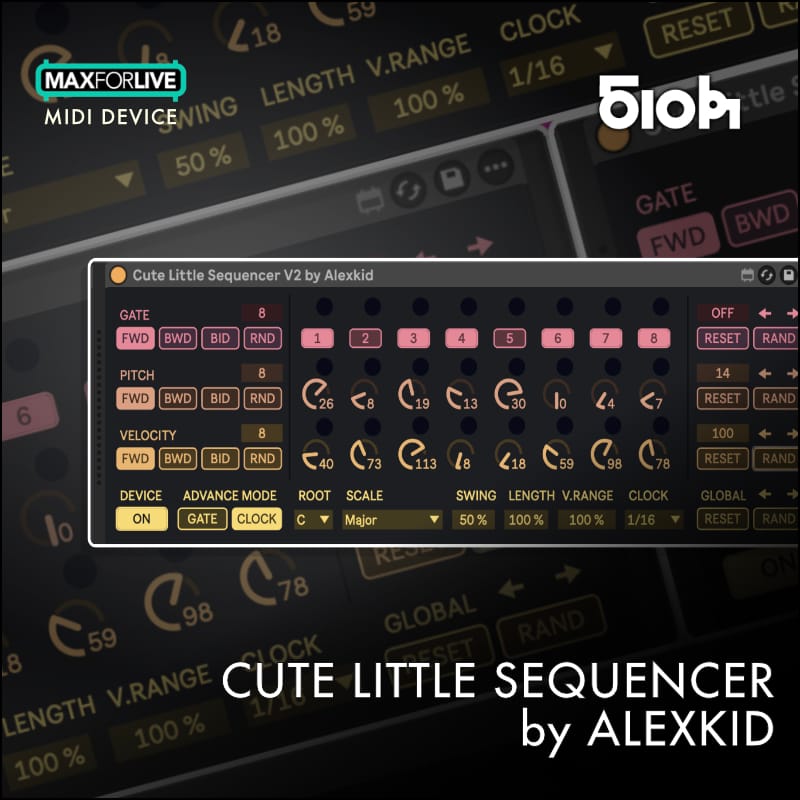 15
Cute Little Sequencer
Alexkid, Paid
Rhythmic modulation and pitch patterns with polyrhythmic movement.
TYPE: Sequencer · Paid
LIVE: Live 10/11/12
Standard device
 16
Octopulse V2
Manifest Audio, Paid
Eight pulse engines for Euclidean, polymetric and probabilistic rhythms.
TYPE: Sequencer · Paid
LIVE: Live 11.1+
Standard device
 17
Pattern Engine
Manifest Audio, Paid
Generative MIDI patterns with locks, variation and performance controls.
TYPE: Sequencer · Paid
LIVE: Check developer
Standard device
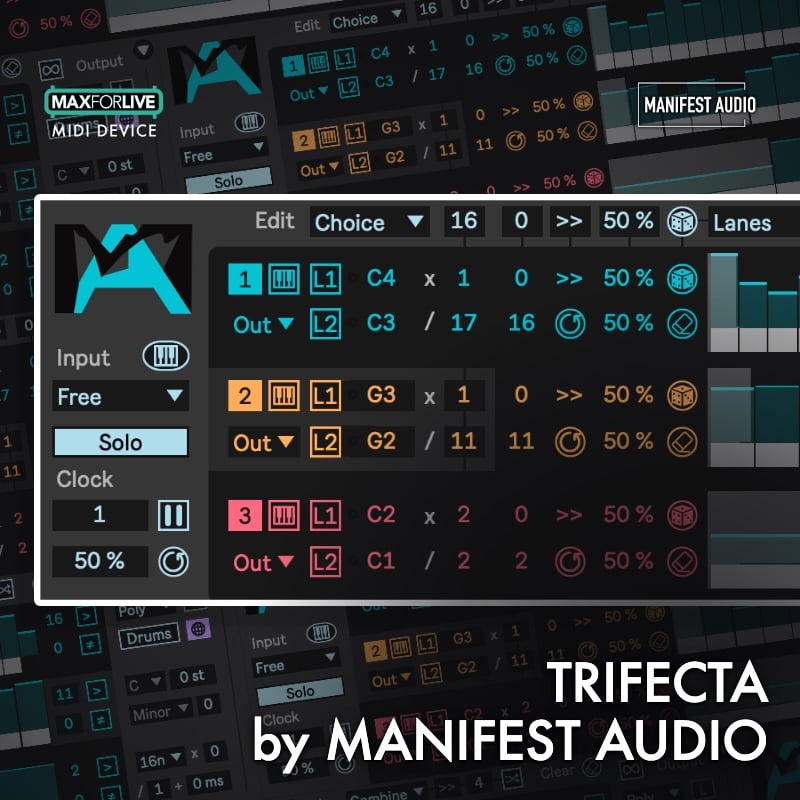 18
Trifecta
Manifest Audio, Paid
Interlocking polyrhythmic and multimetric sequencer/arpeggiator.
TYPE: Sequencer · Paid
LIVE: Live 10/11/12
Standard device
 19
KleeNext
White Horse, Paid
Klee-inspired sequencing with ratchets and shifting note selection.
TYPE: Sequencer · Paid
LIVE: Live 10/11/12
Standard device
 20
O-blek
LDM Design, Paid
Chance-based rhythmic generation for changing MIDI patterns.
TYPE: Sequencer · Paid
LIVE: Check developer
Standard device
 21
Fraktor
LDM Design, Paid
Unusual step subdivisions and intricate percussive timing.
TYPE: Sequencer · Paid
LIVE: Check developer
Standard device
 22
Push:Euclidean Mode
Mark Towers, Paid
Performance-oriented Euclidean programming through Ableton Push.
TYPE: Performance · Paid
LIVE: Check developer
Push extension
 23
Opal
Fors, Paid
Synthesized drums with sophisticated sequencing, locks and modulation.
TYPE: Instrument · Paid
LIVE: Check developer
Standard device
 24
Dyad
Fors, Paid
Dual percussion synthesis with integrated step sequencing.
TYPE: Instrument · Paid
LIVE: Check developer
Standard device
 25
Chiral
Fors, Paid
Spectral synthesis for inharmonic and metallic textures.
TYPE: Instrument · Paid
LIVE: Check Ableton pack
Standard device
26
Pop
Fors, Paid
Microtonal synthesizer within the Fors Kit collection.
TYPE: Instrument · Paid
LIVE: Check developer
Bundled device
27
Lux
Fors, Paid
Harmonic/additive synthesis for evolving tones and drones.
TYPE: Instrument · Paid
LIVE: Check developer
Bundled device
 28
Granulator III
Robert Henke / Ableton, Included
Granular instrument for resampling and atmospheric textures.
TYPE: Instrument · Included
LIVE: Check Ableton pack
Bundled device
 29
Grain Scanner
Amazing Noises, Paid
Granular synthesis with dense scanning and spectral textures.
TYPE: Instrument · Paid
LIVE: Check Ableton pack
Standard device
 30
Bengal
Max for Cats, Paid
Semi-modular FM instrument for metallic percussion and bass.
TYPE: Instrument · Paid
LIVE: Check Ableton pack
Standard device
 31
DS Kick
Ableton, Included
Synthesized kicks with flexible pitch and transient envelopes.
TYPE: Instrument · Included
LIVE: Check installed Live version
Live device
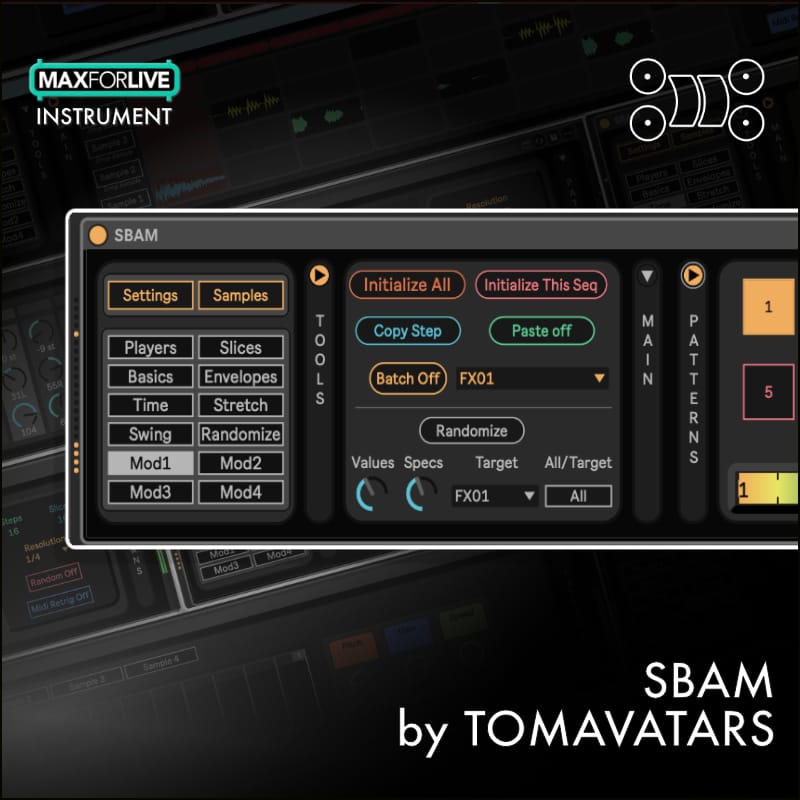 32
SBAM
Tomavatars, Paid
Audio slicing and step sequencing for cut-up rhythmic material.
TYPE: Instrument · Paid
LIVE: Live 12
Standard device
33
Hue
Fors, Paid
Rhythmic filter processing within the Fors Kit collection.
TYPE: Audio Effect · Paid
LIVE: Check developer
Bundled device
34
Box
Fors, Paid
Spacious reverb and intense tonal processing.
TYPE: Audio Effect · Paid
LIVE: Check developer
Bundled device
35
Ego
Fors, Paid
Grainshifting delay for dub echoes and diffuse movement.
TYPE: Audio Effect · Paid
LIVE: Check developer
Bundled device
36
Slink Filter
Hypnus Records, Paid
Generative spectral filter movement suited to hypnotic techno.
TYPE: Audio Effect · Paid
LIVE: Check Ableton pack
Bundled device
 37
PitchLoop89
Robert Henke, Paid
Pitch-shifted delay loops and experimental stutter processing.
TYPE: Audio Effect · Paid
LIVE: Check Ableton pack
Standard device
 38
Magnetic
Surreal Machines, Paid
Tape-style dub delay with rich feedback and coloration.
TYPE: Audio Effect · Paid
LIVE: Check Ableton pack
Bundled device
39
Diffuse
Surreal Machines, Paid
Spatial diffusion and reverberant delay soundscapes.
TYPE: Audio Effect · Paid
LIVE: Check Ableton pack
Bundled device
 40
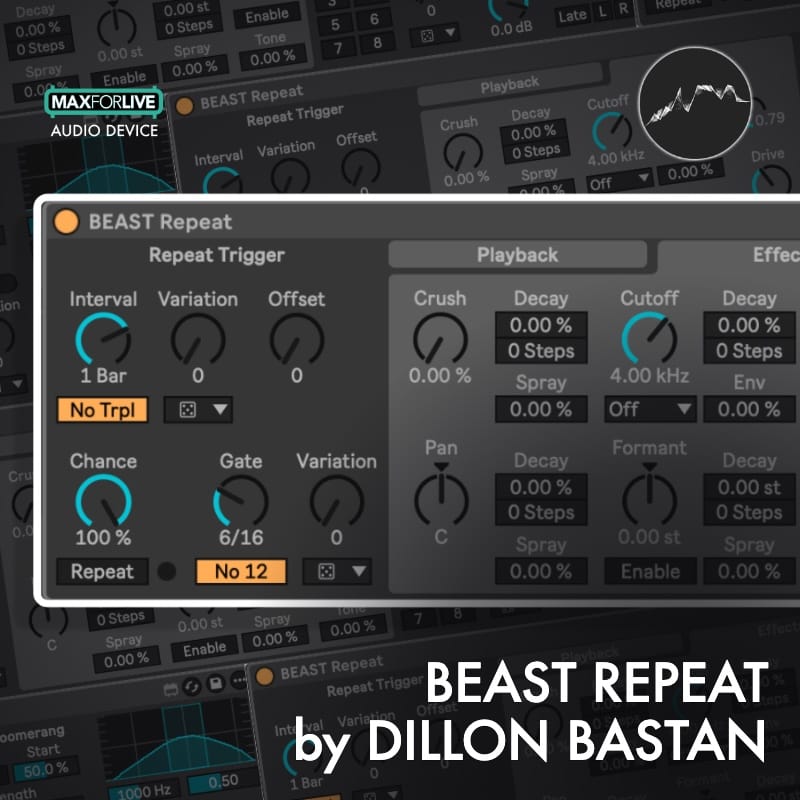
BEAST Repeat
Dillon Bastan, Free
Glitchy audio repeats and stutters for live processing.
TYPE: Audio Effect · Free
LIVE: Check developer
Standard device
 41
Herse
K-Devices, Paid
Step-sequenced multi-effects and rhythmic audio slicing.
TYPE: Audio Effect · Paid
LIVE: Check Ableton pack
Standard device
 42
Alter Echo
K-Devices, Paid
Sequenced echoes and rhythmic delay processing.
TYPE: Audio Effect · Paid
LIVE: Check Ableton pack
Standard device
 43
Holder
K-Devices, Paid
Spectral freeze for evolving drones and washed-out textures.
TYPE: Audio Effect · Paid
LIVE: Check Ableton pack
Standard device
44
Slink LFO
Hypnus Records, Paid
Cross-modulated low-frequency movement for synth parameters.
TYPE: Modulation · Paid
LIVE: Check Ableton pack
Bundled device
 45
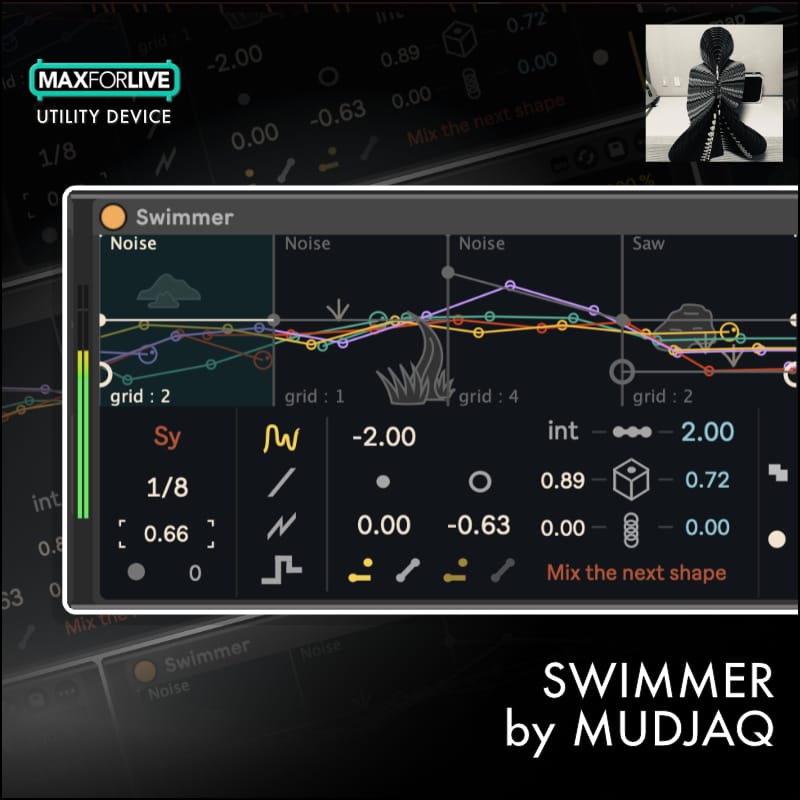
Swimmer
Mudjaq, Paid
Custom waves and motion curves for parameter automation.
TYPE: Modulation · Paid
LIVE: Check developer
Standard device
 46
Metamor
Mudjaq, Paid
Eight correlated LFOs for shifting modulation relationships.
TYPE: Modulation · Paid
LIVE: Check developer
Standard device
 47
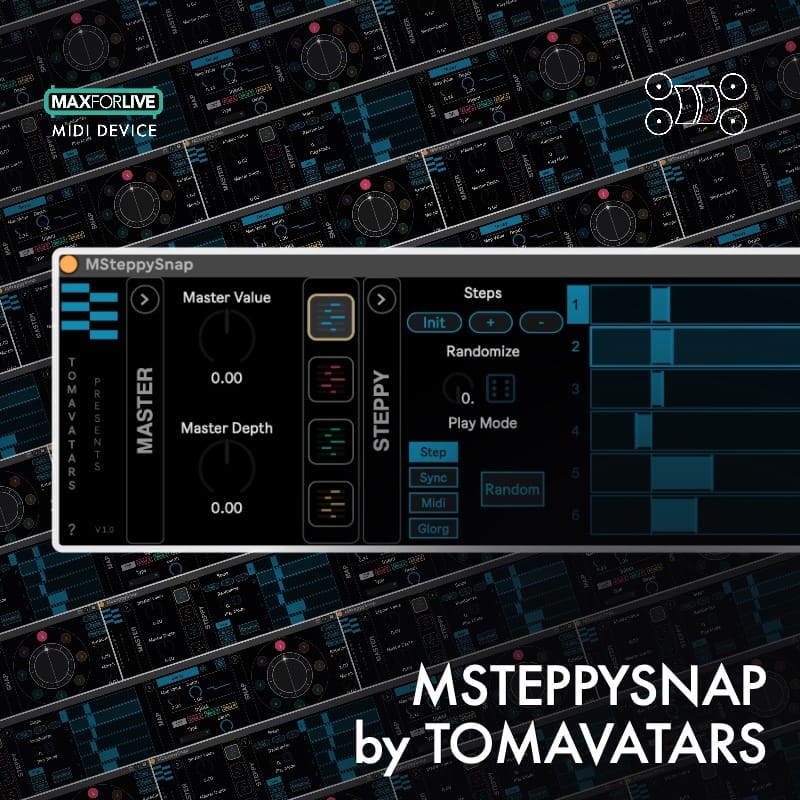
MSteppySnap
Tomavatars, Paid
Triggered snapshots and parameter modulation for transitions.
TYPE: Modulation · Paid
LIVE: Live 12
Standard device
48
Envelope Follower
Ableton, Included
Modulates parameters from the amplitude of incoming audio.
TYPE: Modulation · Included
LIVE: Check installed Live version
Live device
 49
Performer
Iftah, Included
Custom performance macros for Live and Push control.
TYPE: Performance · Included
LIVE: Check Ableton pack
Bundled device
50
Variations
Iftah, Included
Recall prepared parameter and Live Set variations.
TYPE: Performance · Included
LIVE: Check Ableton pack
Bundled device
 51
MDD Snake V4
Maxime Dangles, Free / pay-what-you-want
Snake-inspired interacting sequencers with note randomization.
TYPE: Sequencer · Free / pay-what-you-want
LIVE: Check developer
Standard device
ML-185 Stage Controlled Sequencer
3st / Nico Starke, Free
Eight variable-length stages with pitch, velocity and MIDI CC lanes.
TYPE: Sequencer · Free
LIVE: Legacy (Live 8 era) · LEGACY
Legacy device
GS-185 Sequencer
GMusic, Free
Modern ML-185 derivative with scale, recall, drag-MIDI and undo.
TYPE: Sequencer · Free
LIVE: Live 12
Standard device
STING!64
Skinnerbox, Free
Smiley-face classic: historical acid-pattern generator; superseded.
TYPE: Sequencer · Free
LIVE: Legacy / discontinued · LEGACY
Legacy device
 55
Sting 2
Iftah, Free / paid
Modern expressive acid-line sequencer with Push performance features.
TYPE: Sequencer · Free / paid
LIVE: Live 11+
Standard device
No devices match these filters.
What is Max for Live?
Max for Live extends Ableton Live with custom instruments, audio effects, MIDI processors, sequencers and performance controllers. Because devices can interact deeply with Live’s clips, tracks and mapped parameters, they are particularly useful for production approaches built around evolving rhythms and modulation.
This Underground Talent selection focuses on actual devices, rather than treating every multi-device pack as a separate item. Some entries are individual products sold inside a bundle, and the external link will take you to the developer’s pack or distributor page.
Why these devices work for techno
Techno producers often get more from a well-controlled rhythmic system than a complicated arrangement. A polyrhythmic sequencer can create evolving patterns, a synthesized drum instrument can produce distinctive kicks and percussion, and modulation or spectral effects can change the character of a loop gradually without losing its pulse. That is the perspective behind our selection.
For sequencer history, compare MDD Snake V4, ML-185, GS-185 and the smiley-faced STING!64 with today’s Sting 2. The originals remain influential, but older releases are not automatically supported by current Live versions. Ableton’s newer Sting MIDI Generator is a different tool, integrated into the Live 12 clip-generation workflow.
Compatibility before you install
Always check the device developer’s stated Ableton Live version, Max for Live availability and whether a particular pack requires Live Suite, Live Standard with Max for Live, Push or a newer point release. Live 12 MIDI Tools operate in the MIDI clip editor and are different from conventional Max for Live instruments or effects. Some third-party devices run only on the desktop or require additional setup.
Where the developer has not provided a reliably current compatibility statement, the card says Check developer rather than guessing. Legacy entries are included for musical and historical context, not as recommendations to install unsupported software.
How the community ranking works
The catalogue begins as an unranked editorial selection. Choose five devices you enjoy or use, arrange them in order and confirm your vote through email. First place receives five points, second four, down to one point for fifth. Each email has one verified ballot, which the voter can replace by voting again. Voting does not subscribe you to Underground Talent’s newsletter.
The leaderboard reflects the community’s preferences, not objective sound quality, commercial partnerships or guaranteed compatibility. A Max for Live device that suits a live hardware set may not be the best choice for somebody producing entirely in the Arrangement View.
Explore more production tools
Compare conventional instruments and effects in our Techno VST Plugins ranking, find drum and texture libraries in Best Techno Sample Packs, or explore Techno Preset Packs. You can also navigate the full Best Techno discovery index.
Initial publisher-link research: November 2026. Device descriptions explain intended uses; Underground Talent has not independently tested every listed product or its current software compatibility.