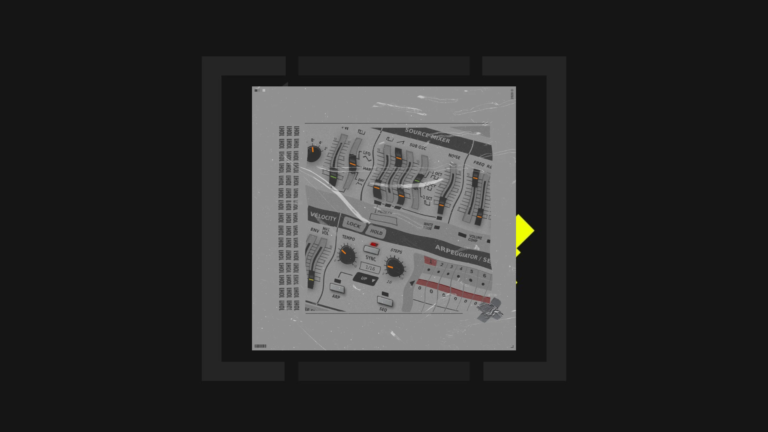
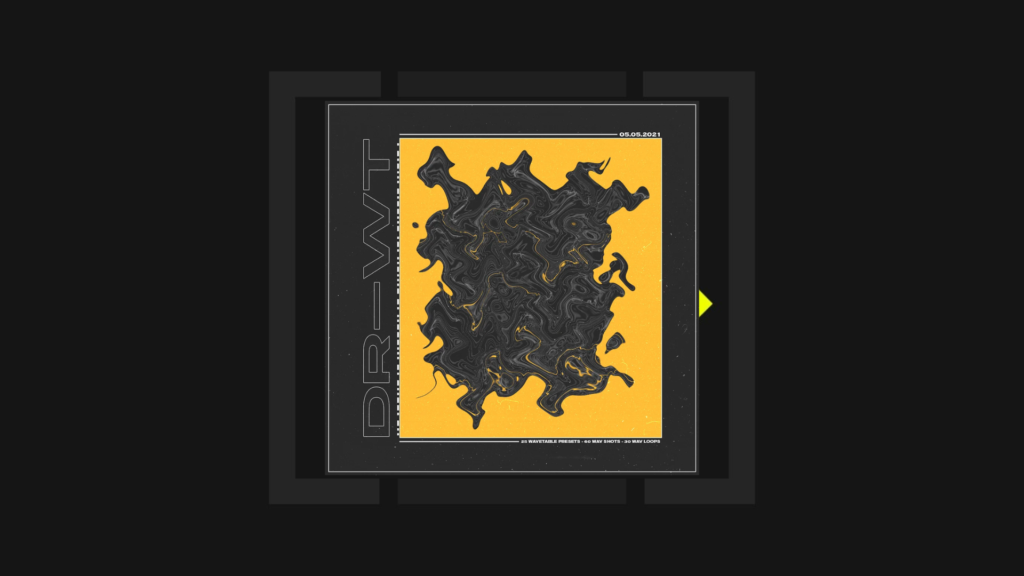
DR-WT is Erald’s drum-oriented preset pack made with Ableton Live’s Wavetable instrument. It bridges two useful workflows: editable synthesizer patches for designing percussion, plus rendered WAV files that producers can drop into an arrangement or drum rack without needing to recreate every sound from the synth.
November 2026 update: DR-WT remains available through Erald’s original store with a zero-price download option. You can choose to contribute if you find it useful. The old Underground Talent affiliate button has been replaced with the direct creator link; there are no embedded advertising scripts in this updated article.
What does the DR-WT download include?
According to the original creator’s product listing, DR-WT contains:
- 25 presets for Ableton Live Wavetable.
- 60 WAV one-shot drum sounds.
- 30 WAV loops.
- 1 Ableton Live project.
- 23.9 MB listed download size.
It is worth distinguishing the files. The 25 Wavetable presets are editable instrument settings and require access to that Ableton instrument. The WAV one-shots and loops are rendered audio files, so they can be arranged or processed independently in audio software that supports WAV. The included Live project has its own version and dependency considerations.

Why make drums with Ableton Wavetable?
Wavetable is not limited to leads and pads. Its oscillators, filters and modulation system let you create transients, tonal percussion and evolving noisy textures using synthesis. Ableton describes the instrument’s two wavetable oscillators, filter section and modulation controls in the official Live instrument reference.
Starting with a preset can make it easier to understand the design of a drum sound. Load a DR-WT Wavetable patch, change the oscillator position or envelope timing, and compare the altered hit with the original. Save useful variations under new preset names. This approach is more flexible than treating every drum sound as a permanently fixed sample.
How to use DR-WT in techno production
For a hypnotic drum loop, build a simple kick-and-percussion arrangement from the rendered one-shots. Try placing one short, distinctive hit just before or after a regular beat and vary its velocity across a four-bar loop. The Wavetable presets can then supply a related synth-percussion part, giving you room to tweak the sound while the pattern plays.
To develop a transition, start with a supplied WAV loop and experiment with filtering or rhythmic gating. Keep the dry audio available in a separate track so it is easy to compare the effect against the original. If you use the included Ableton project, save a fresh copy before editing its devices or arrangement.
Compatibility: Wavetable presets versus WAV files
The instrument presets require Ableton Wavetable. Not every Ableton Live edition includes the same built-in instruments, so check your edition and version before assuming the presets or the supplied Live project will load. The official Ableton edition comparison and Live manual provide the most reliable guidance. These Wavetable patches will not open directly in Serum, Diva or other unrelated synthesizers.
The WAV files are a different matter: use your DAW’s usual audio import workflow. Always consult the licence supplied with the download before distributing the source files as part of another sample library.
Download DR-WT from Erald
Open the official DR-WT free/pay-what-you-want download. Erald’s storefront handles delivery. You can also watch the original DR-WT walkthrough before downloading. Prices, access details and included files are ultimately controlled by the creator.
Discover more sounds
Browse the Underground Talent Presets Discovery directory to compare sound banks by their required synthesizer. For other Erald articles, see Techno Sequences for u-he Diva, Planet 5 for TAL J-8 and 1OH1 for TAL BassLine-101.
Source note: Quantities and download size come from Erald’s listing. Wavetable edition availability and project compatibility must be confirmed for your version of Live.